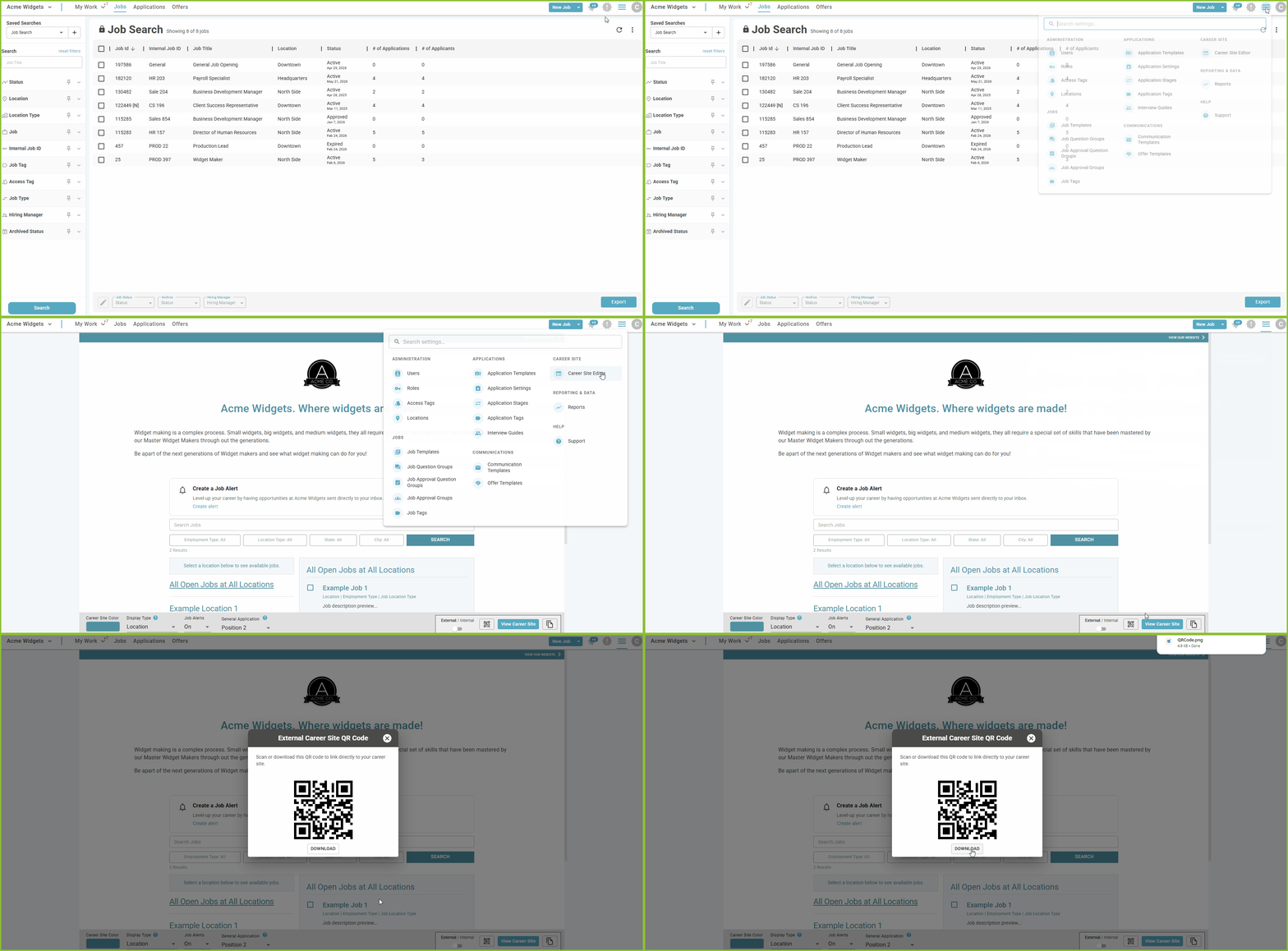
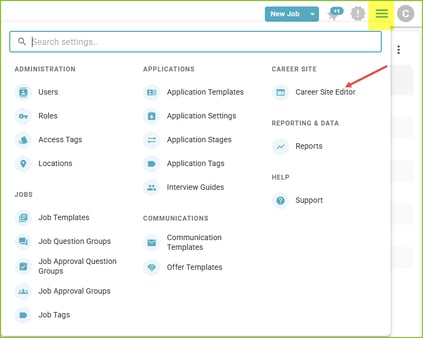
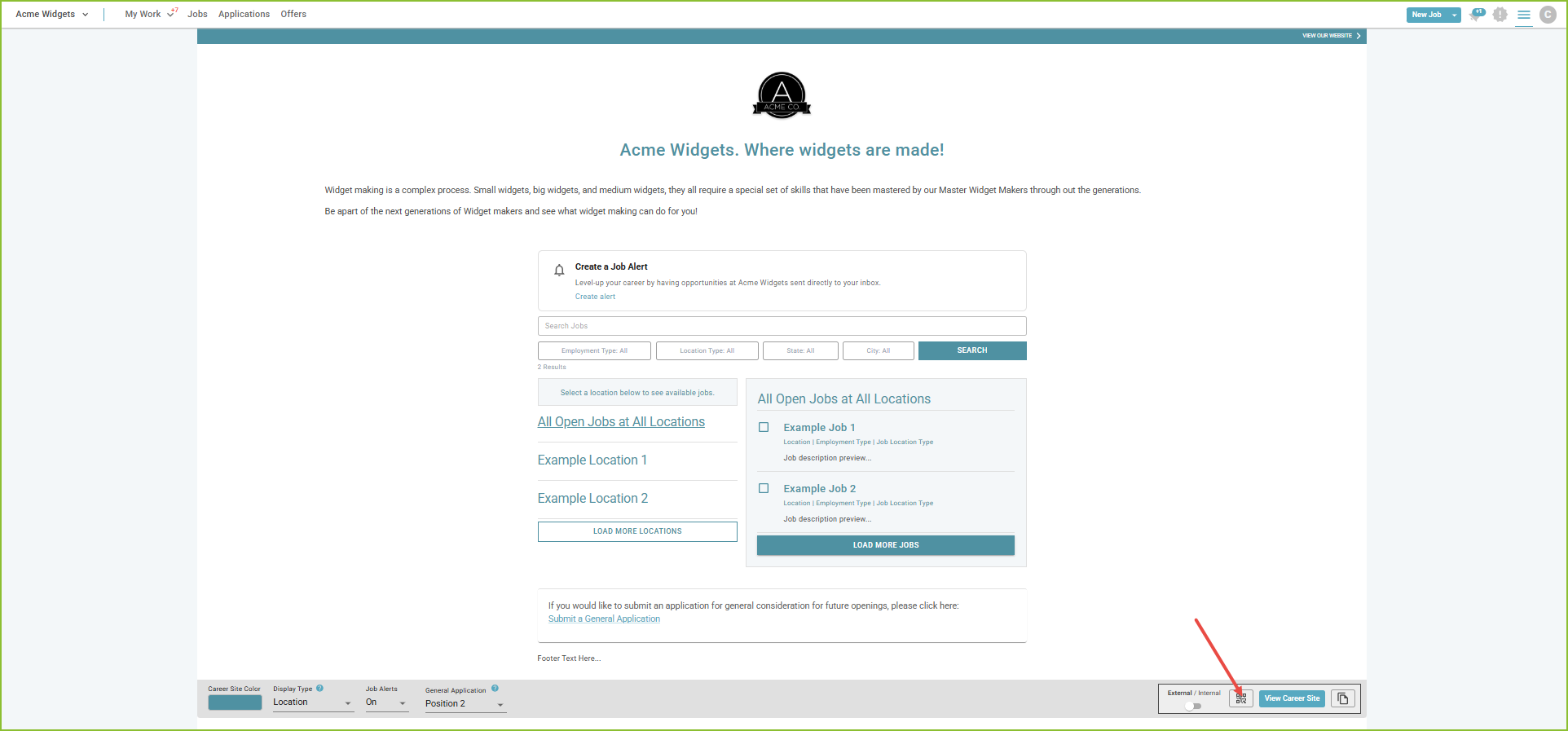
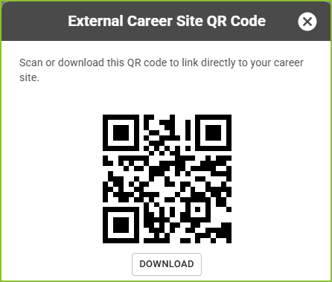
Create a QR Code for the Career Site To promote the Career Site using a QR Code on a promotional poster or flyer, generate the QR Code in the Career Site Editor. Begin in the Settings Menu. Open the Career Site Editor. Click on the QR Code icon. Scan or Download the QR Code.