
To connect the ATS to the LinkedIn Company Page follow the instructions below in the LinkedIn Employer Account.
- Begin in the organization's LinkedIn company profile page (e.g., https://www.linkedin.com/company/878521/).
- Click SETTINGS in the lower left menu.
- Click JOB POSTING.
- Toggle the "Enable basic job posting" option to On. (This must be enabled for the ATS connection to function.)
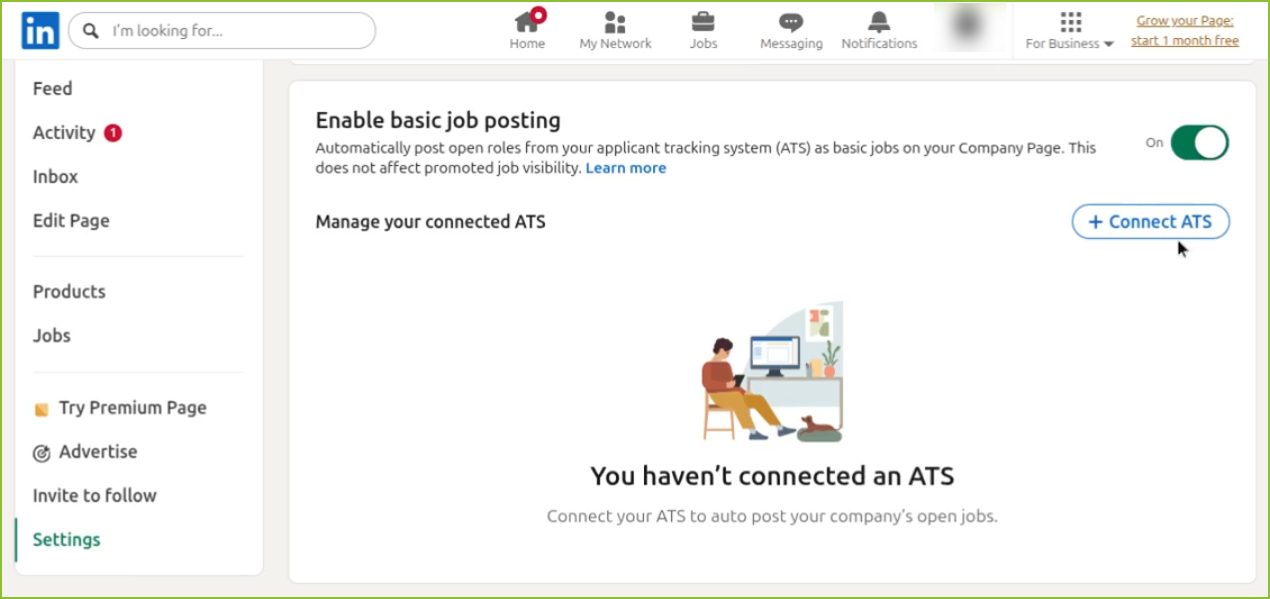
- Click the CONNECT ATS button.
- Select ExactHire from the list of available ATS providers in the "Connect a new ATS" modal.
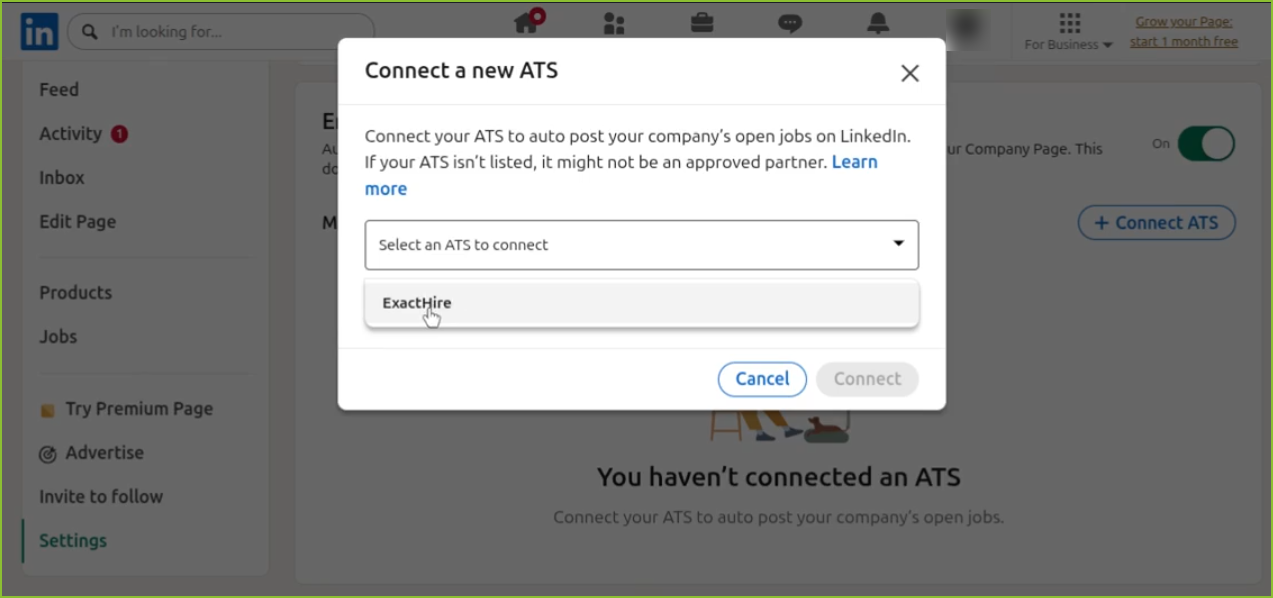
- Click Connect to finalize the integration.
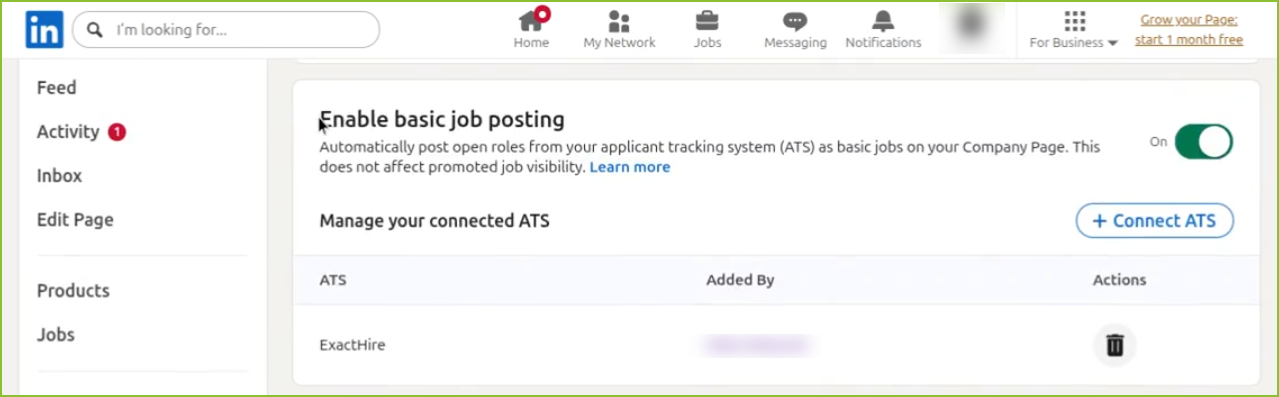
- ExactHire will now be listed in the ATS connections section.
Below the ATS connection, there is an additional toggle called "Share new jobs".
- Off (default): Jobs posted through the ATS will appear in the company's LinkedIn Jobs section only.
- On: Any job that comes through the ATS will automatically be shared as a post on the company's LinkedIn profile feed, in addition to appearing in the Jobs section.
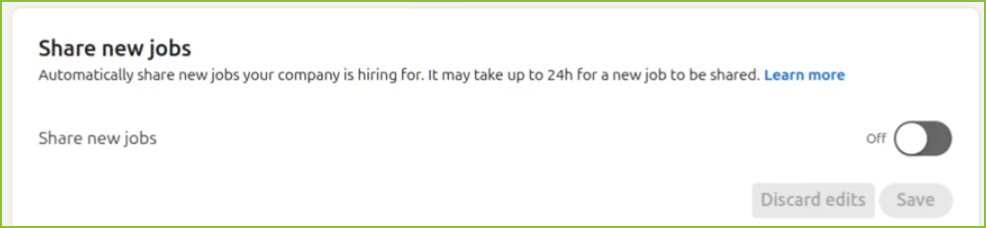
This setting can be toggled on or off depending on whether the organization wants their job postings to have additional visibility on their LinkedIn company feed.
Important: These settings are only accessible via Settings > Job posting on the LinkedIn Company Page. These settings will not be found in the Jobs section of the LinkedIn Company page. The Jobs area is for creating jobs directly on LinkedIn.