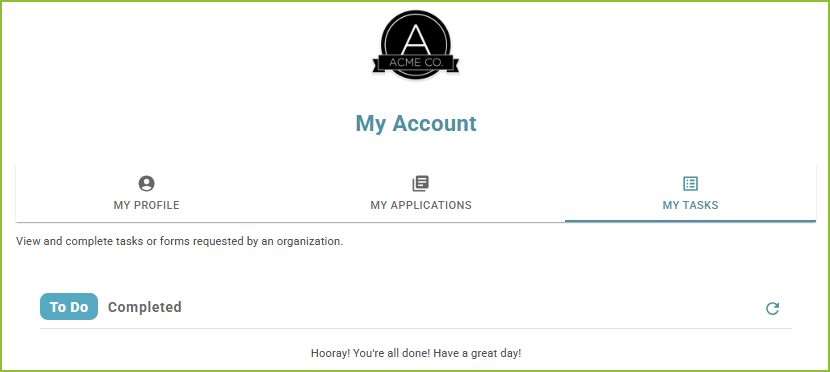
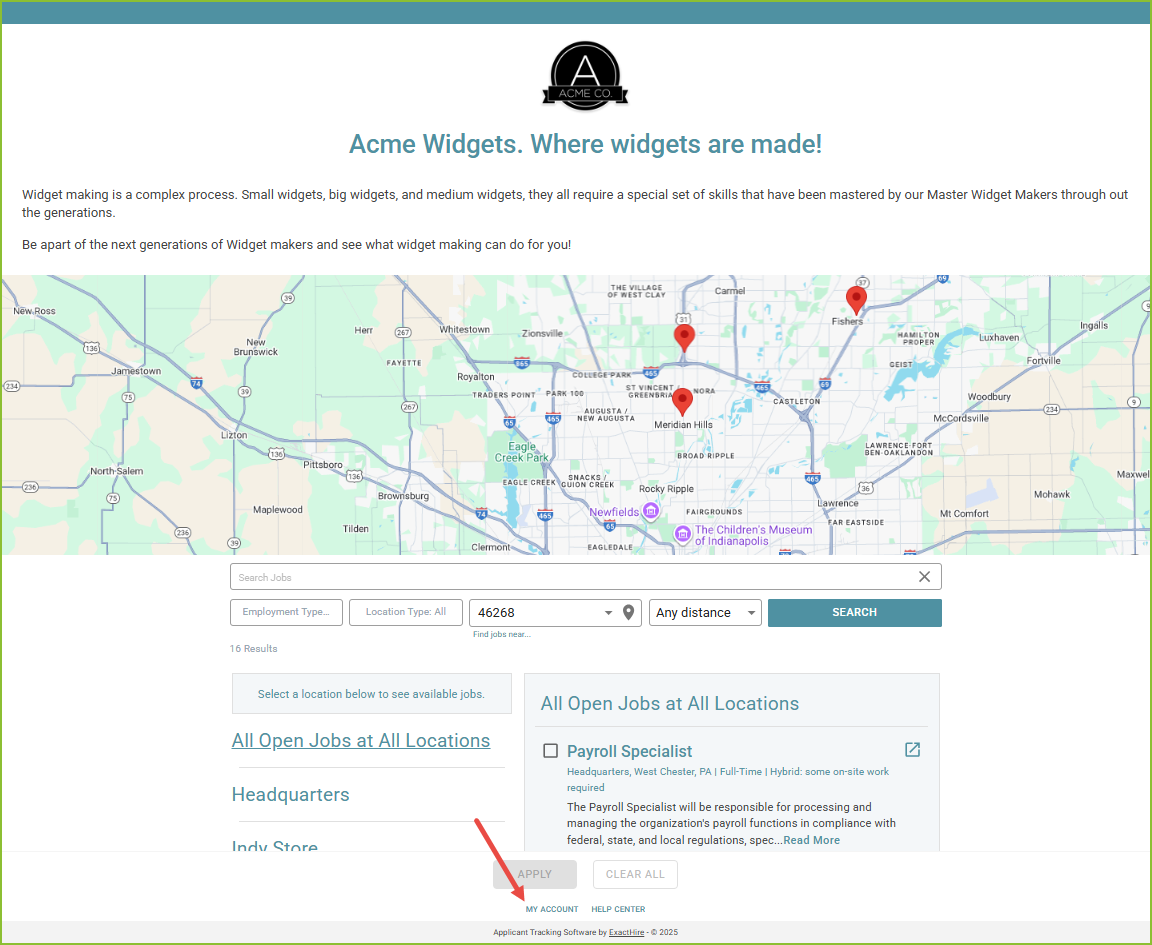
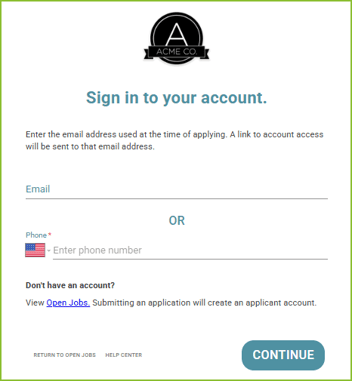
- Enter the email address or phone number used with your original account and click CONTINUE.
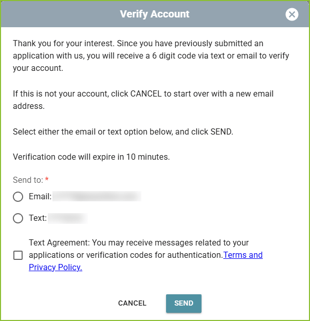
- Select to receive the account verification code by email or text message, and click SEND. Please note:
- the verification code will expire after 10 minutes.
- for the phone number to receive text messages it must be capable of receiving text messages.
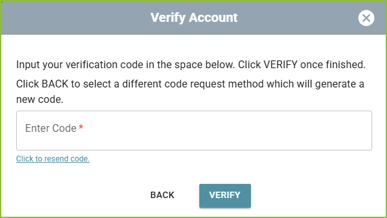
- A verification code will be sent. Enter the verification code into the Verify Account box and click VERIFY. If the code expires, use the ‘click to resend code’ link.
- The applicant account will open securely in your browser.
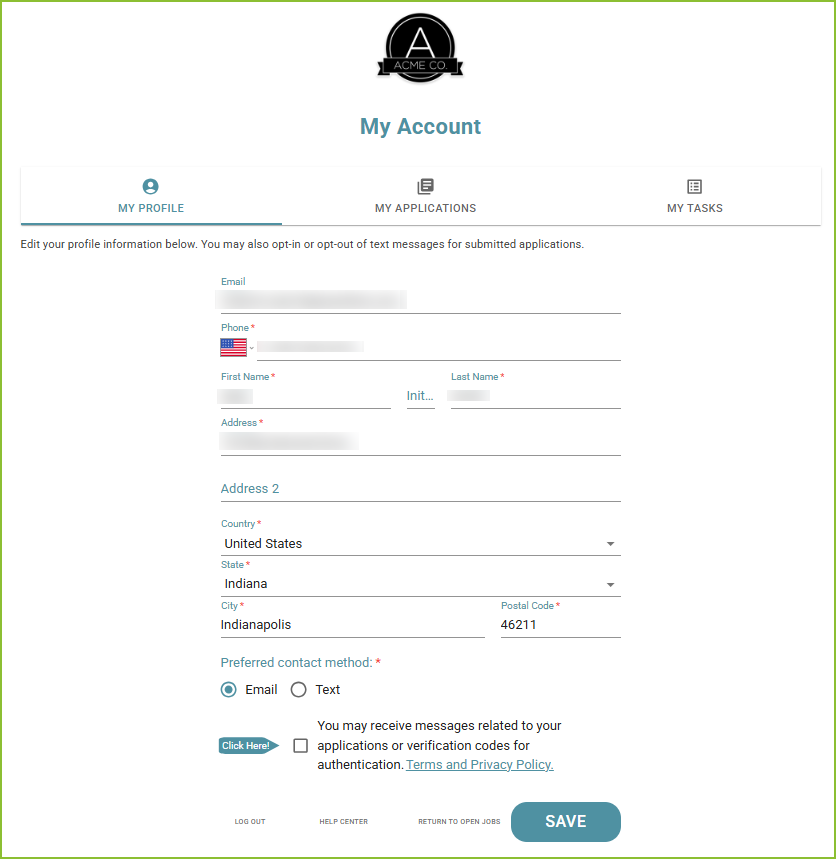
- Update any needed information on the My Profile tab.
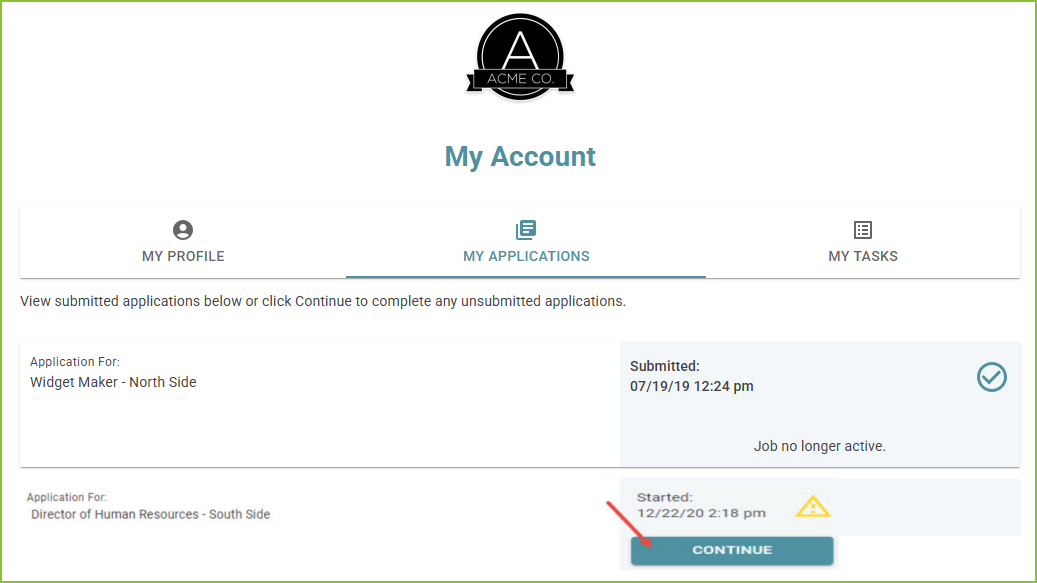
- Use the My Applications tab to view applications associated with your account.
- Take the action needed on any incomplete application(s) with the CONTINUE button.
- Complete the application by responding to all required questions. Click SUBMIT APPLICATION to submit the completed application.
- Use the My Tasks tab to view and complete tasks in your To Do list.