
The ExactHire ATS provides a standard format Affirmative Action Report within the Saved Search menu on the APPLICATIONS View. Use the filters to tailor the report to the specific Job, date range, application stage, etc.
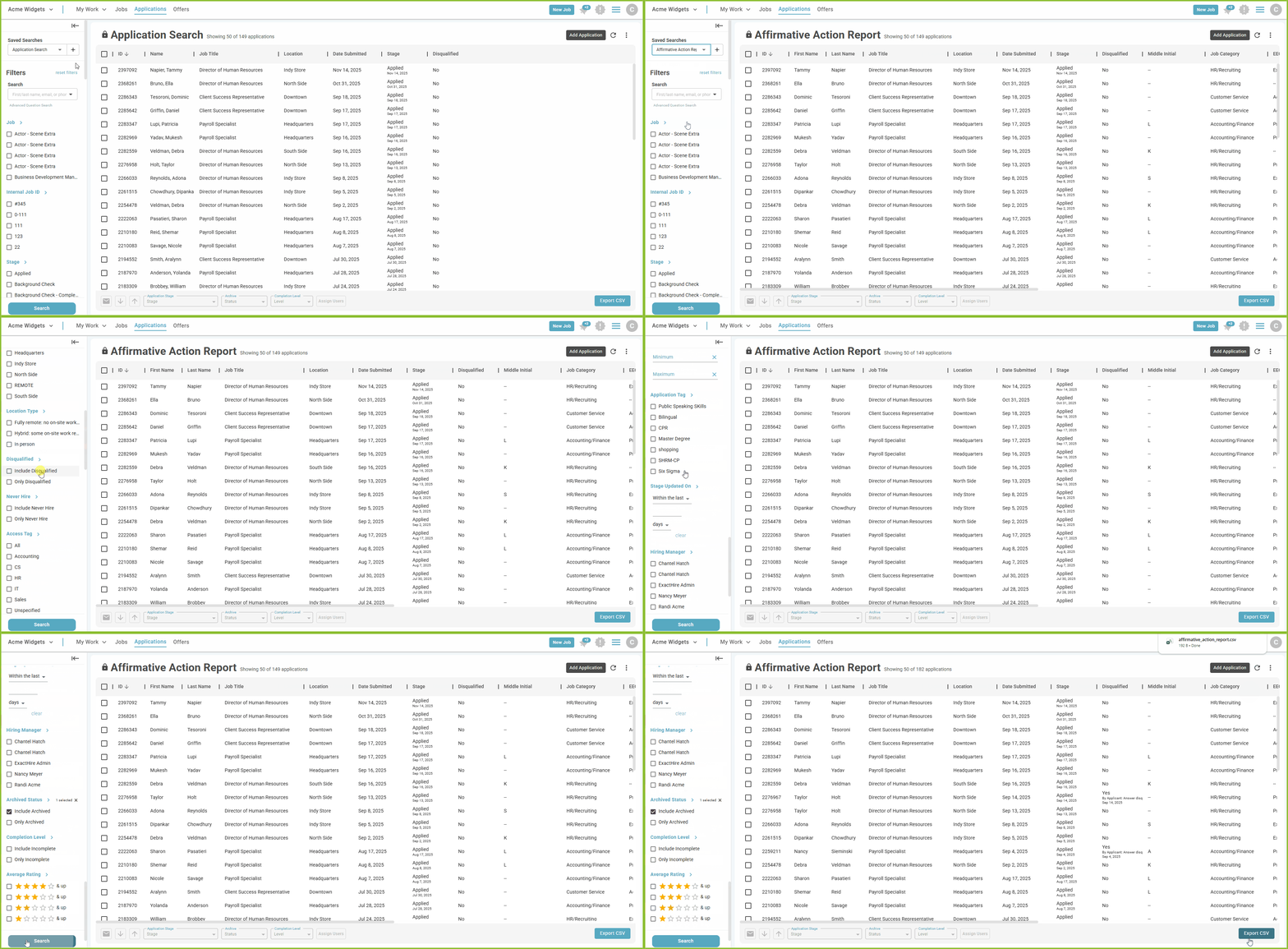
- To access the Affirmative Action Report begin in the Saved Searches menu in APPLICATIONS view.
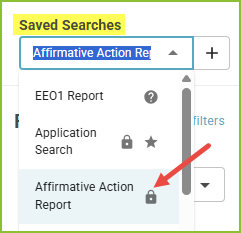
- Click on Affirmative Action Report.
- Adjust the filters to control the Job, Internal Job ID, Application Stage, Location, Disqualified, Archived Status, etc.
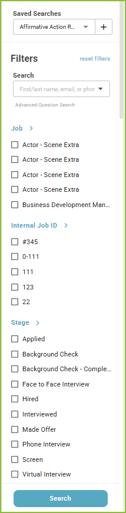
- Click Search to display the results.
- The Export CSV button will export the results of the report into a csv.
Custom Affirmative Action Report
Option 1
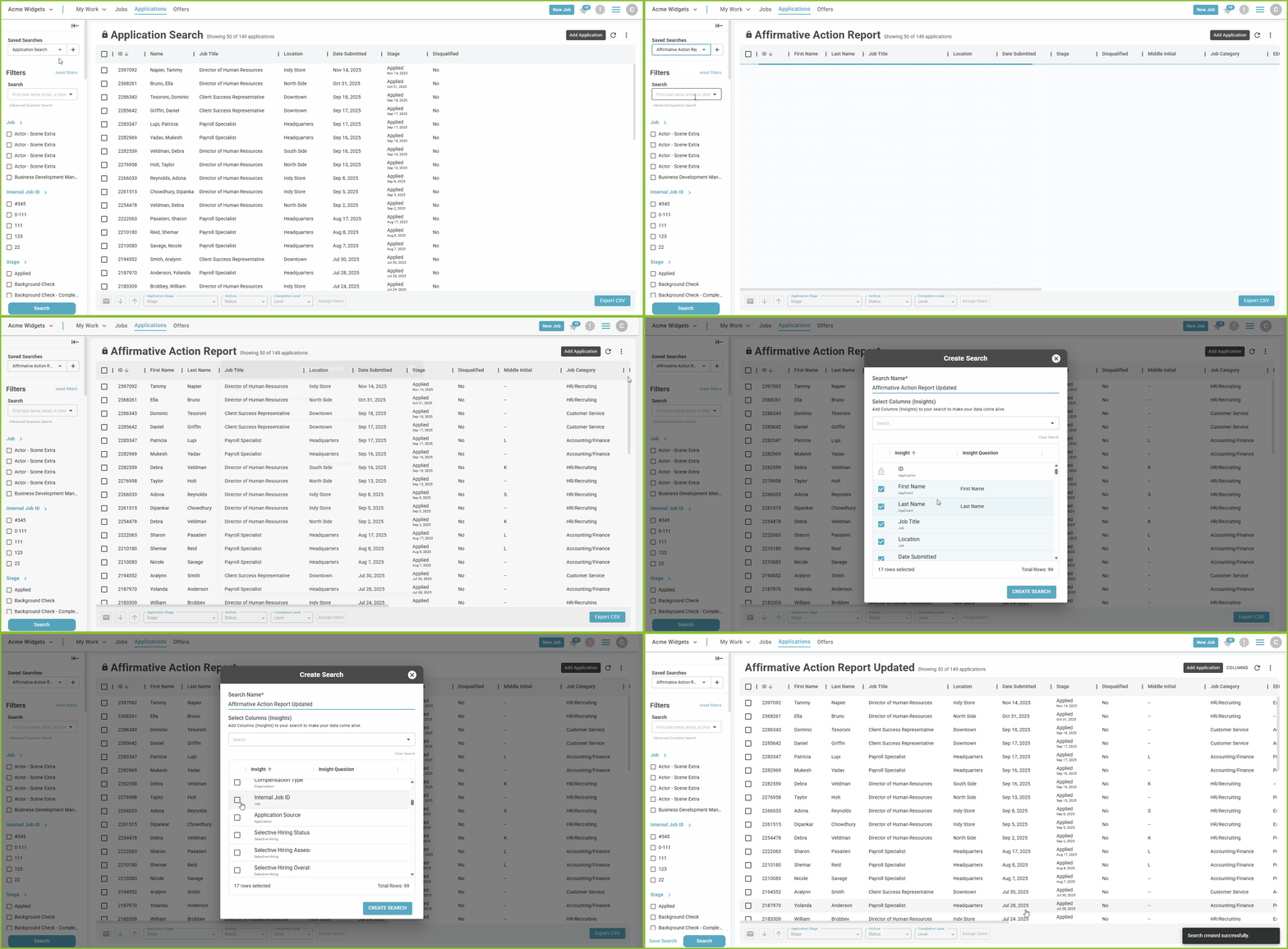
- Access the standard Affirmative Action Report following the steps above.
- Open the More Options menu.
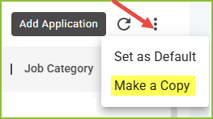
- Select Make a Copy.
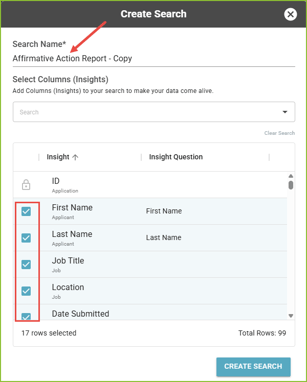
- Rename the Saved Search, as needed.
- Check or uncheck the options to adjust the Insights (columns) to be included in the report.
- Click Create Search.
Option 2
- A custom Affirmative Action Report can be created using the Saved Search tool. Follow the steps found here: Insights and Saved Searches (Custom Reports).