
The report provides the subscribers first and last name, email address, alert name, frequency of alert selected, date subscribed, and status of subscription.
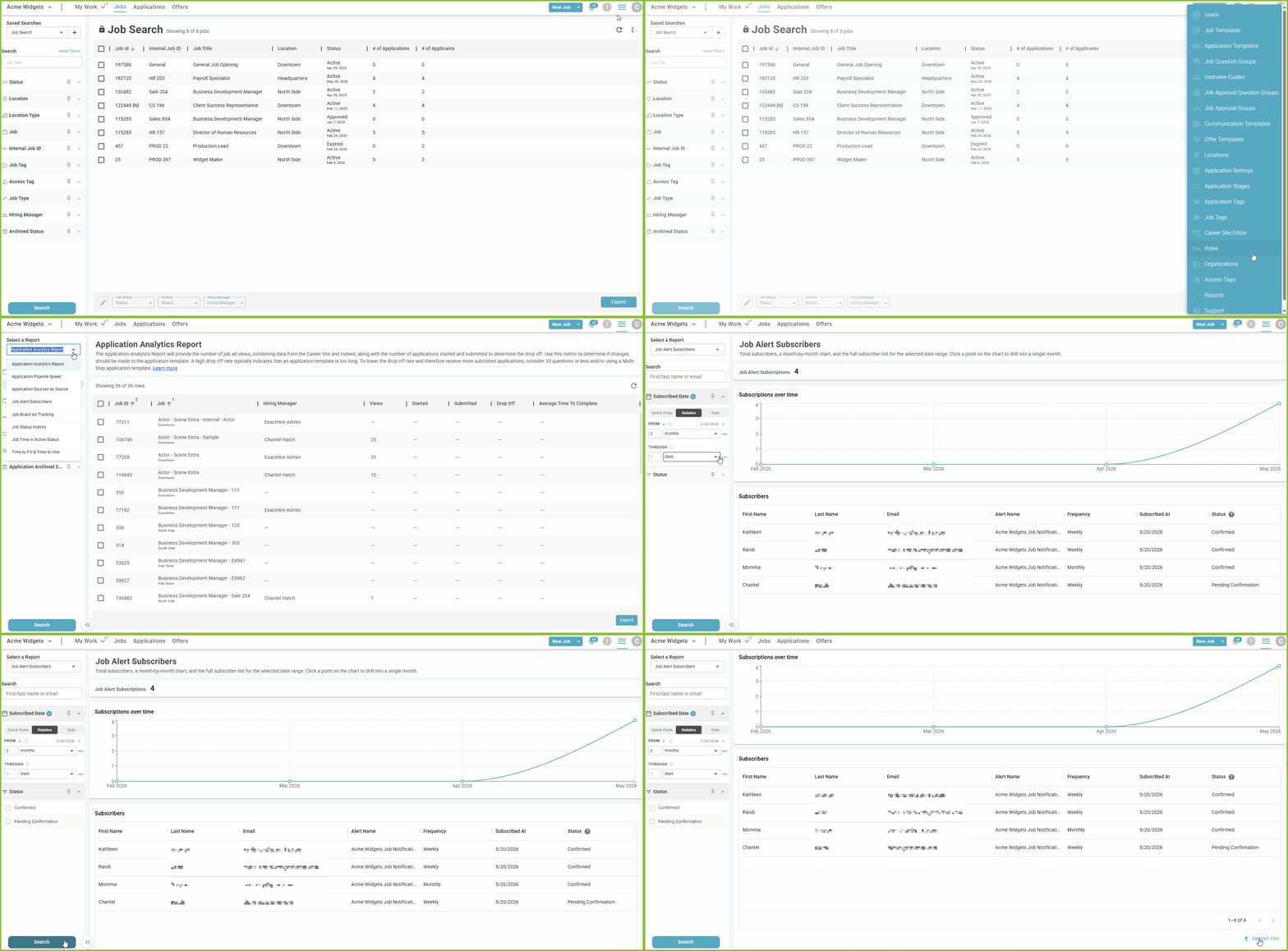
- To access the Job Alert Subscribers Report, begin in the Settings area.

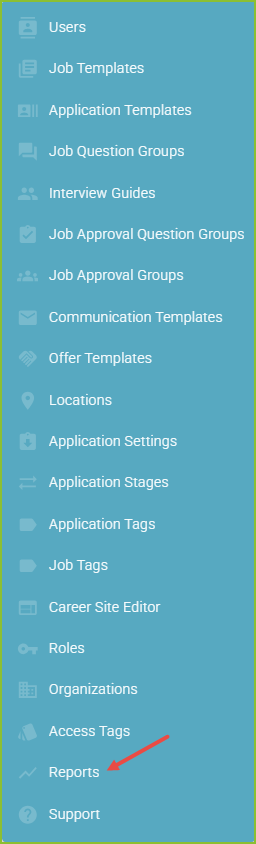
- Click on Reports.
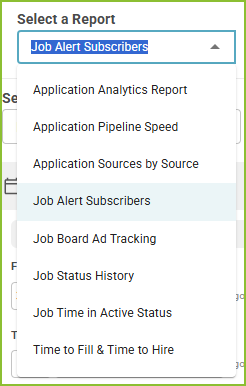
- Select the Job Alert Subscribers Report.
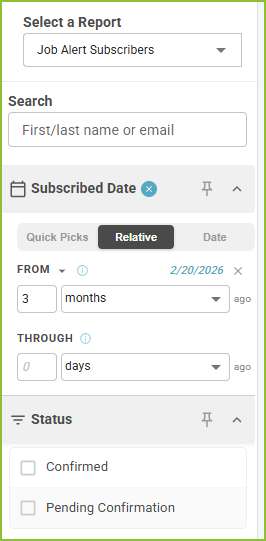
- Adjust the filters to control the Subscribed Date and Subscription Status.
- Click Search to display the results.
- The Export CSV button will export the results of the report into a csv.