
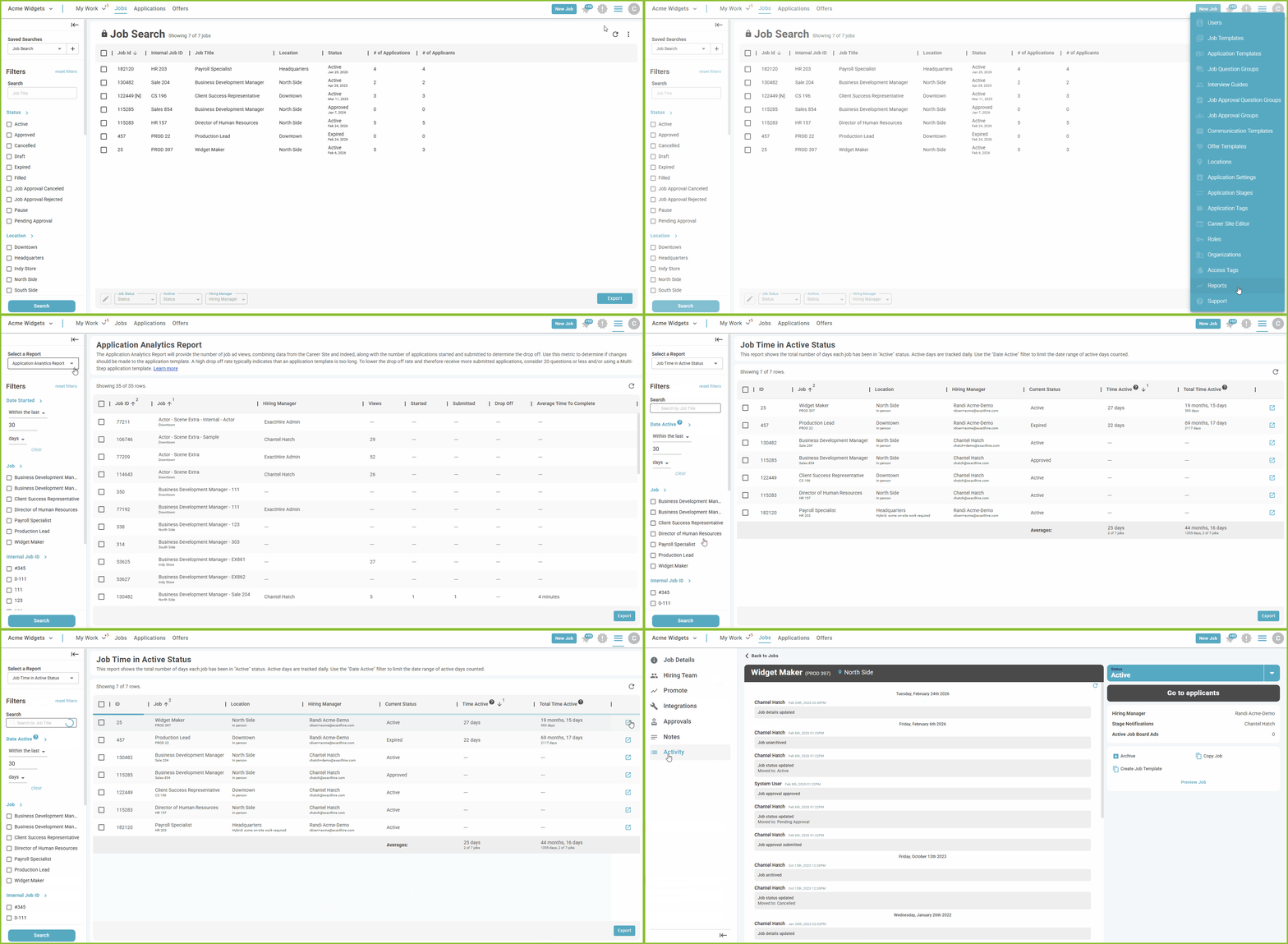
- To access the Job Time in Active Status Report, begin in the Settings area.

- Click on Reports.
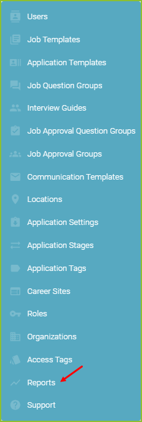
- Select the Job Time in Active Status Report.
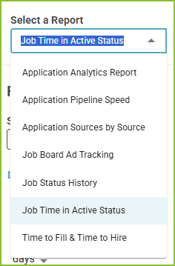
- Adjust the filters to control the results according to Date Active, Job Title, Internal Job ID, Location, Location Type, Hiring Manager, and Job Archived Status.
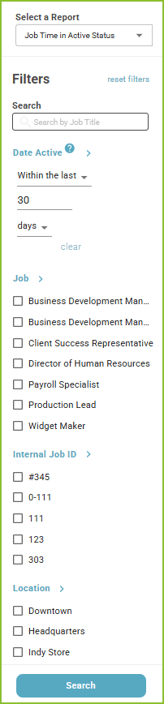
- Click Search to display the results.
- Use the open icon to navigate to the Job Details.
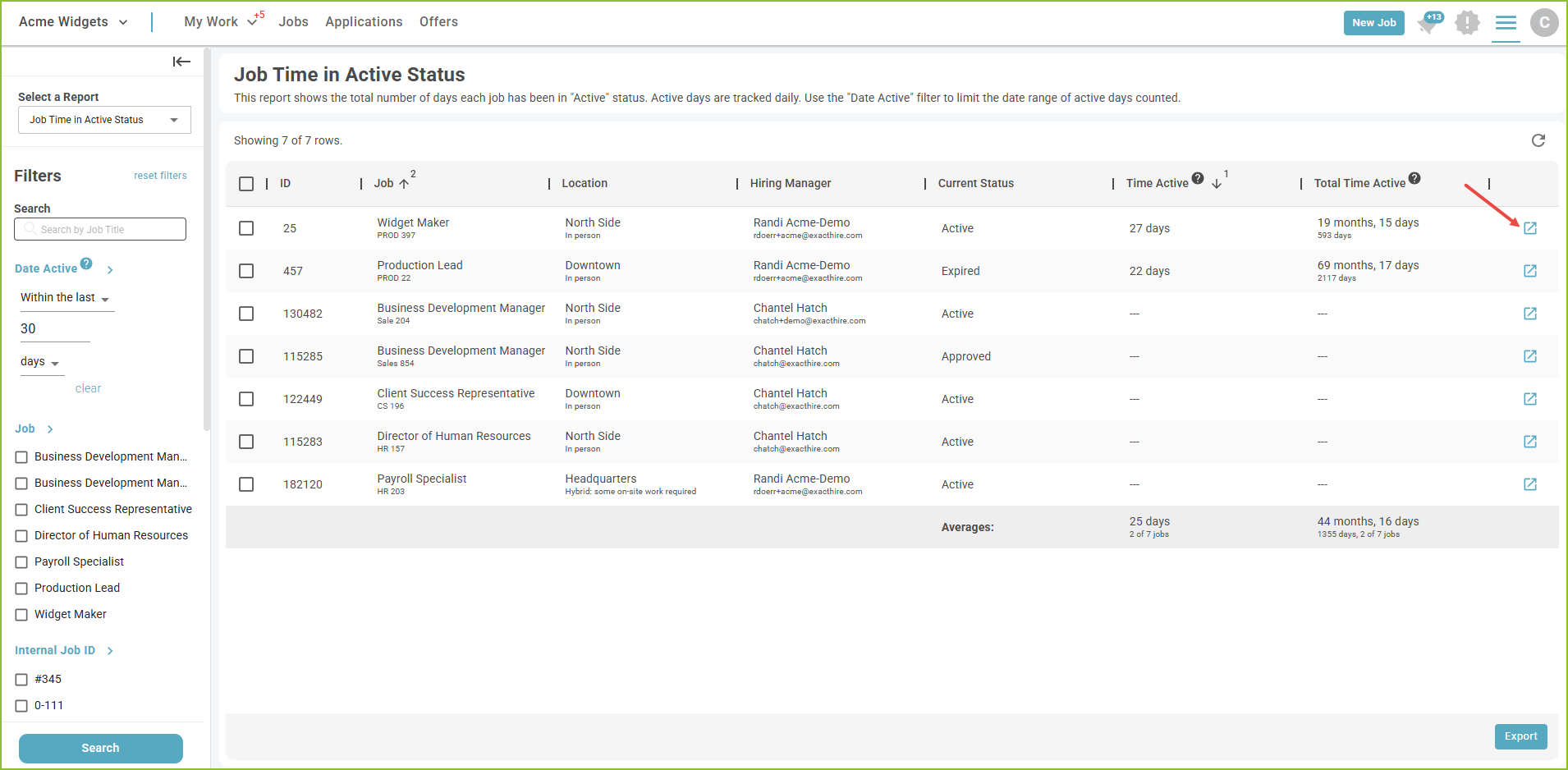
- The Export button will export the results of the report into a csv.